
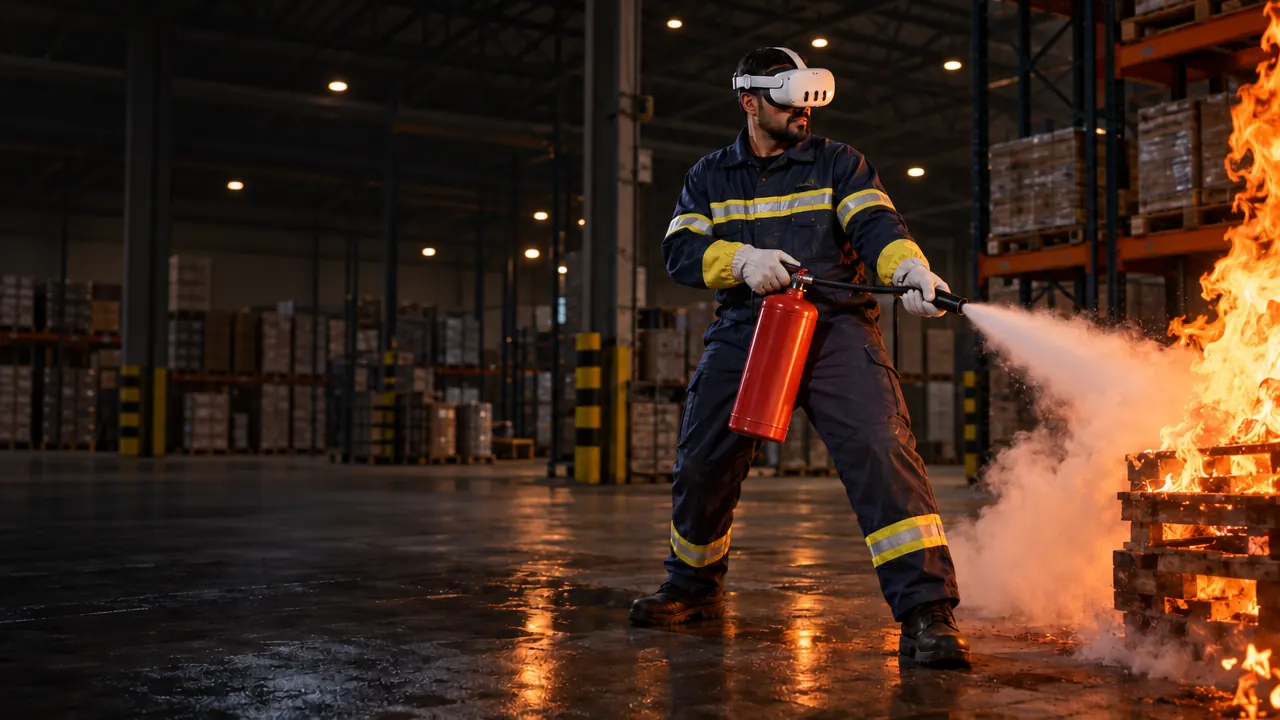
Workplace safety training in virtual reality
Train your workforce safely in immersive environments, assess individual performance and manage every training on a single platform.
No joysticks · Works offline · Unlimited trainees
Companies that have trained with BRV360
















Hands-on training in risk situations
SST-XR is an immersive occupational safety training platform in virtual reality. Trainees put on the headset and step into a simulation of their workplace. There, they experience risk situations and decide what to do with their own hands. Each trainee's performance goes to the training management dashboard. The result: training that is safer, faster and has the potential to reduce logistics costs.
- Simulation without exposureDangerous situations experienced in virtual reality, without putting anyone at risk.
- Faster trainingEach training usually takes 5 to 15 minutes per trainee, with no setting to build or material to gather.
- Potential to reduce training costsLess material, space and logistics to train, which can lower the cost of each group.
- Greater potential for knowledge retentionPublished studies show that with virtual reality, trainees learn more and remember it for longer. See the studies ›
- Learning by doingTrainees carry out each step with their own hands instead of just watching.
- Mistakes become learningTrainees make a mistake, understand why and try again.
See it working before you decide
The trainings inside the headset and the training management dashboard, from start to finish.
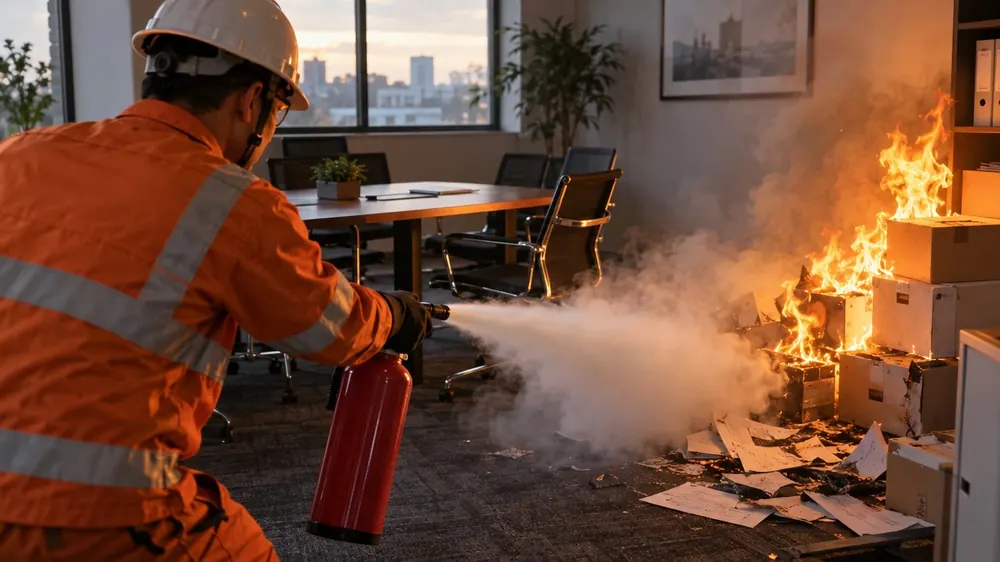 ▶Watch the SST-XR video
From setup to results in four steps
SST-XR has two parts that work together: the app on the Meta Quest headset, where trainees practice, and the web dashboard, where managers organize and follow up.
- 1
Setup
On the web dashboard- Register groups and trainees, one by one or by importing a spreadsheet
- Choose from the catalog the trainings for each group
- Pair the headsets and link the groups to them
- 2
Sign-in
On the headset- Trainees pick their own name from the group list
- They enter a PIN, if the company uses one
- 3
Simulation
In the virtual scenario- Step into the simulated workplace
- Identify the hazards
- Decide and act with their own hands
- Get feedback on every decision
- See the consequences, with no real risk
- Narration explains each mistake
- 4
Results
Back on the dashboard- Results sync as soon as the device connects to the internet
- Instructors and managers follow each trainee's score, mistakes and attempts
Follow every trainee, in every group, in one place
Managers set up the groups, choose which trainings each group must complete and how often, and see at a glance who is up to date, who is overdue and who needs to retake a training.
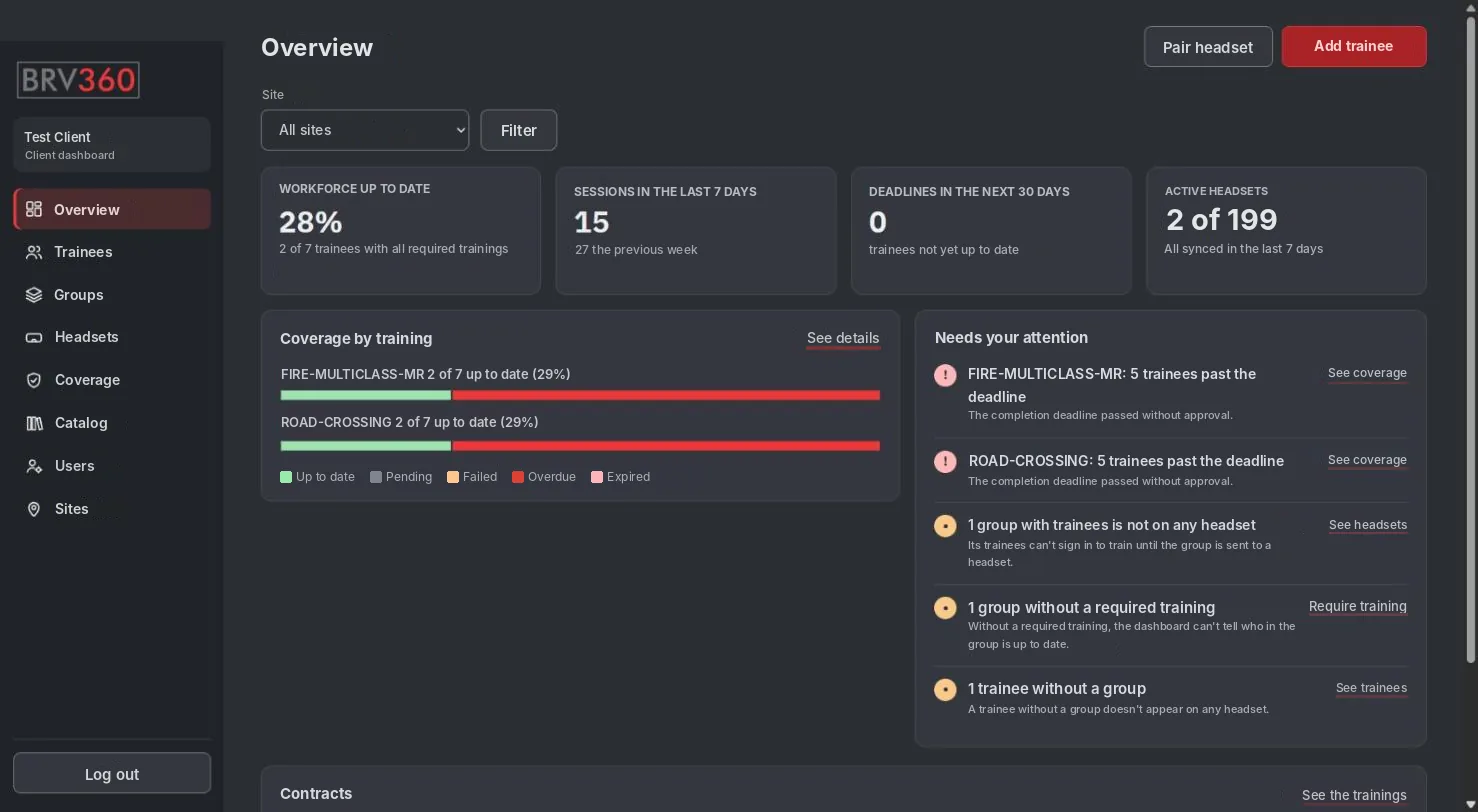
- Groups and traineesAdd or import them, by group and site.
- Required trainingsWhat each group must complete, and by when.
- Periodic refreshersWhen the deadline passes, the trainee goes back on the list.
- PerformanceScore, mistakes and attempts for each trainee.
- AlertsOverdue deadlines and groups without training.
- Headsets under controlDevices in use and last sync.
Intuitive training, no joysticks
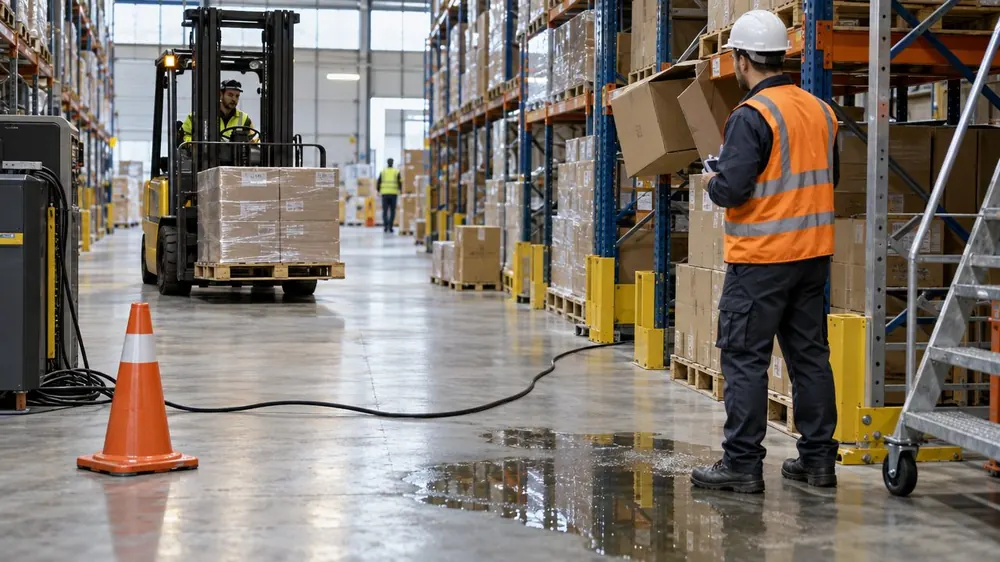
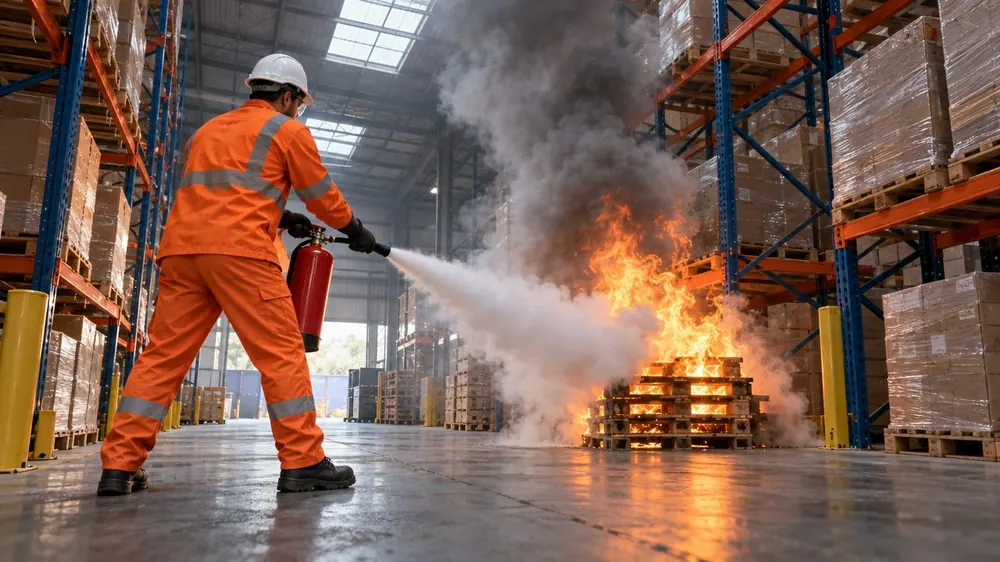
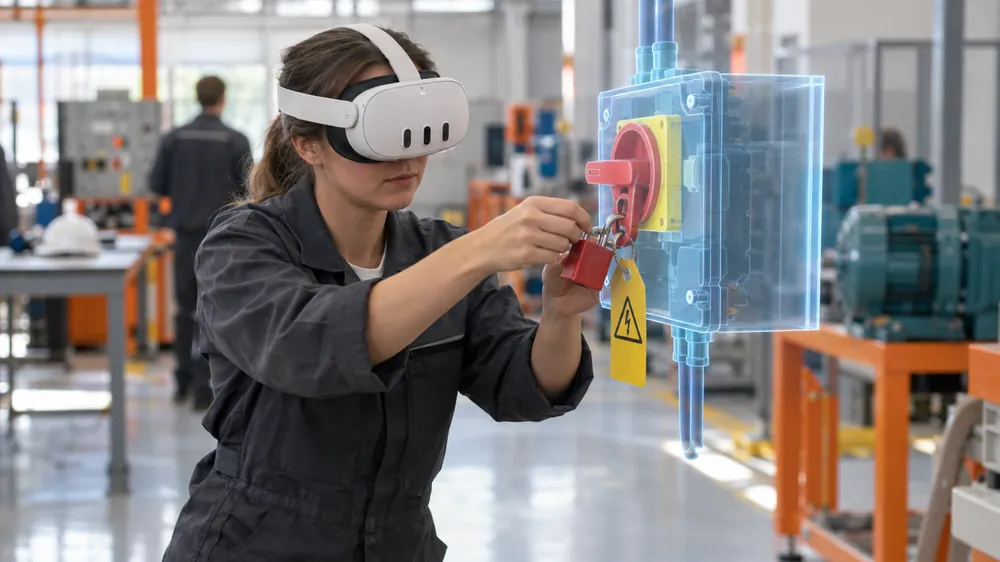
Trainees use their own hands to pick up the extinguisher, close the valve or apply the padlock. The hands are the controllers, so the experience feels natural and intuitive.
- Also designed for people who have never used virtual reality
- Less time explaining, more groups per day
- A more natural and accessible experience for trainees
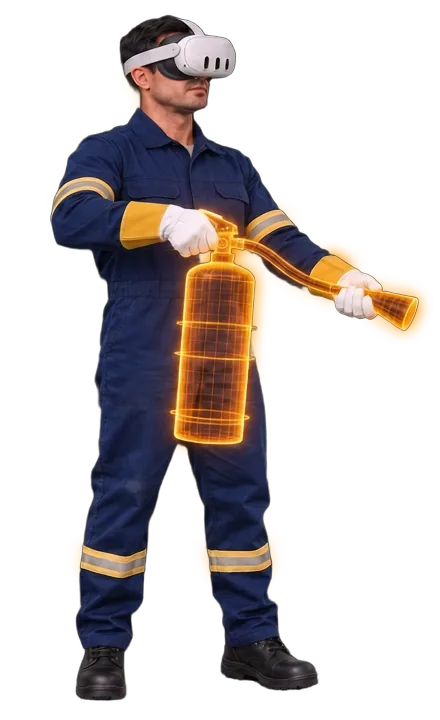
Illustrative image. Details may vary in the training.
A plan for every team size
Annual subscription to the software license, per headset, with unlimited trainees and sessions. What changes between plans is the number of trainings, the new releases included, your brand and the number of licenses. Need 2, 3 or 10 headsets? Every plan can have as many licenses as your operation needs. Tell us about your case and we will send you a proposal.
Start
Ideal for pilot projects.
- License for 1 VR device
- 2 trainings of your choice from the catalog
- Full training management dashboard
- Unlimited trainees and sessions
- Support by email and WhatsApp
Pro
For operations with specific risks.
- License for 1 VR device
- 6 trainings of your choice from the catalog
- Full training management dashboard
- Unlimited trainees and sessions
- Support by email and WhatsApp
Max
For ongoing safety programs.
- License for 1 VR device
- New releases unlocked automatically
- Full training management dashboard
- Unlimited trainees and sessions
- Your brand on the headset and dashboard
- Support by email and WhatsApp
Max 5x
For training at corporate scale.
- Licenses for 5 VR devices
- New releases unlocked automatically
- Full training management dashboard
- Unlimited trainees and sessions
- Your brand on the headset and dashboard
- Priority support, with a dedicated channel
The plans cover the software license. Headsets are purchased separately: your company can buy them wherever it prefers or directly from us, already set up (we recommend Meta Quest 3 or 3S; Quest 2 is still supported). Scenario adaptation and the development of exclusive trainings, based on the floor plans, photos and procedures of your operation, are additional services, quoted separately.
Always included
- Training management dashboardGroups, trainees, scores and each person's progress.
- Unlimited traineesAs many trainees and sessions as you need, with no per-person fee.
- Online onboardingWe set up the account, link the headsets and train your instructors.
- Works offlineTrains without a network and syncs later.
- Protected dataEach company sees only its own data, under Brazil's data protection law (LGPD), with two-factor login.
- 3 languagesPortuguese, English and Spanish.
Before you request a demo
What is the demo like?
Online, by video call, in about 30 minutes: we show the trainings and the training management dashboard working and answer your questions. The proposal comes afterwards, with no commitment
What is SST-XR?
A VR safety training system, with two parts: on the headset, trainees practice risk situations with their own hands; on the training management dashboard, the company sets up groups, defines deadlines and refreshers and sees each trainee's performance. It is a tool that supports the instructor
Does virtual reality training replace mandatory safety training?
No. To date, no virtual reality simulator is accepted by regulatory authorities as a replacement for mandatory practical training. SST-XR is a complementary tool: as part of the company's program, with the instructor's guidance, it adds great value by letting people experience and repeat risk situations safely, and it tends to improve knowledge retention
Do I need internet to train?
No. The headset trains offline and sends the results when it finds a network
Does it work on Quest 2?
Yes. Quest 2 is still supported. For new deployments, we recommend the latest models, Meta Quest 3 or 3S
Can people who have never used virtual reality do it?
Yes. The training was also designed for people who have never used virtual reality: trainees use only their hands as the controllers
How long does each training take?
Usually 5 to 15 minutes per trainee, depending on the training
In which languages?
Portuguese, English and Spanish, with narration in each one
Where is trainee data stored?
In your company's dashboard, kept separate from other customers. Each company sees only its own data
Can the dashboard and the headset carry my company's brand?
Yes. On the Max and Max 5x plans, the app and the training management dashboard can be customized with your company's logo
Do I need to buy the headsets?
The plans are software licenses, per headset, and the headsets are separate. There are two ways to get them. Your company can buy them wherever it prefers (we recommend Meta Quest 3 or 3S) and we set them up during the online onboarding. Or it can buy them directly from us and receive them already set up, ready to train
How long does it take to get started?
Once the proposal is approved, pairing the headsets takes minutes
Occupational safety in practice
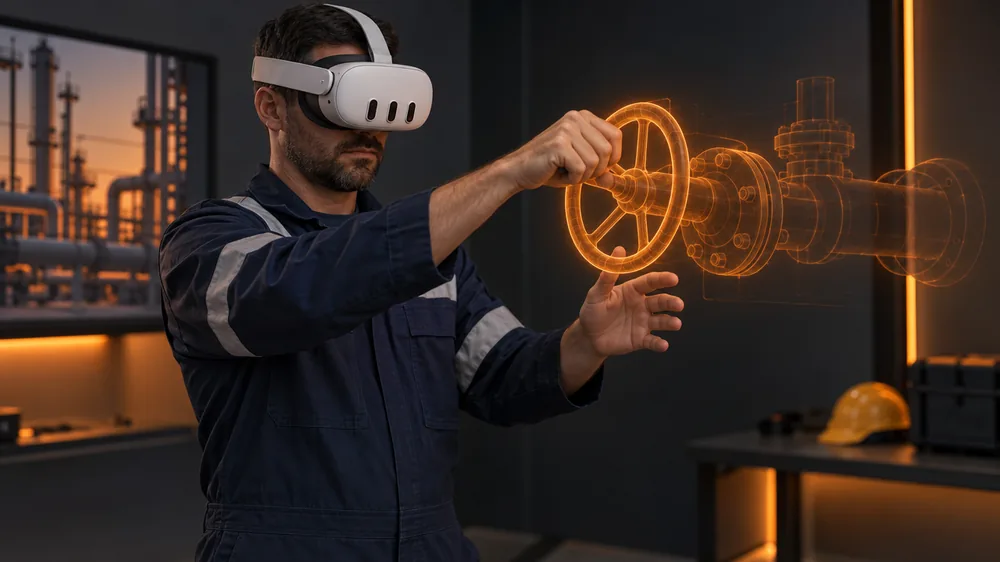
Hand tracking: training in virtual reality without joysticks
People who had never put on a virtual reality headset used to spend a good part of the training learning the buttons. With hand tracking, trainees grab, turn and press as they would in real life.
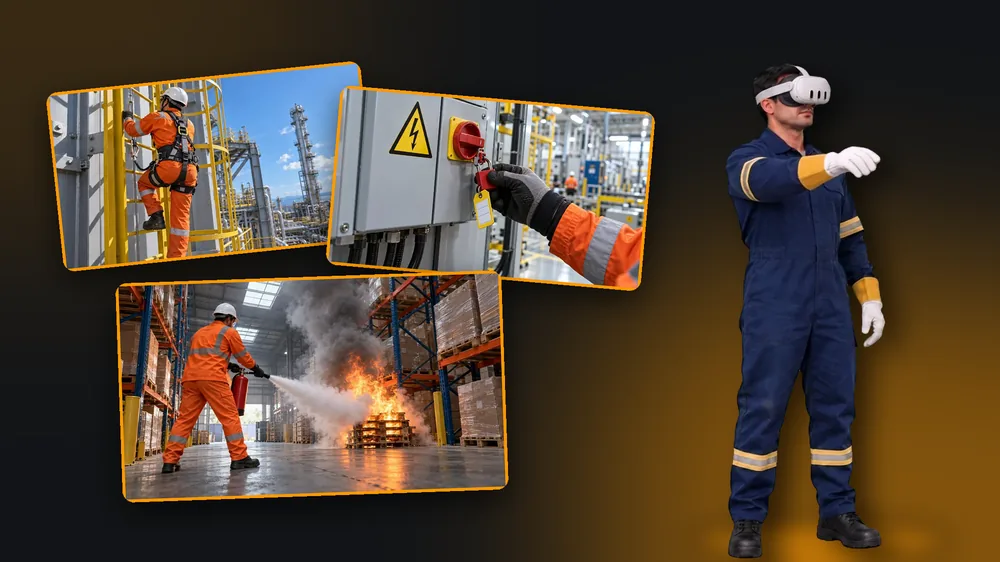
Why train workplace safety in virtual reality
More practice per trainee, mistakes without risk and each person's results on the dashboard. See where virtual reality helps occupational safety training.
Does immersive training work? What studies and companies say
A meta-analysis of 52 studies, research with construction and mining workers and a pilot at fuel stations. See what was measured when occupational safety was trained in virtual reality.
Want to see it in action?
In an online demo, we show you the system working and put together a tailored proposal.